Best AI Email & Inbox Management Tools — Inbox Zero & Smarter Outreach
AI email and inbox management tools in 2026 handle the inbox work that professionals spend an average of 2.6 hours per day on — triaging, drafting replies, unsubscribing, and following up. The best tools write in your voice, learn your communication patterns, and surface the emails that actually need your attention without requiring you to read everything. This category covers 25+ tools tested for reply quality, triage accuracy, and integration with major email clients.

Email Verification & Deliverability Platform
Email Subscription Manager, Inbox Cleaner & Rollup Service
1-Click Email Unsubscribe, Inbox Cleaner & Newsletter Manager
Drag-and-Drop HTML Email Editor & Builder
Professional Business Email, Collaboration & Cloud Storage Suite
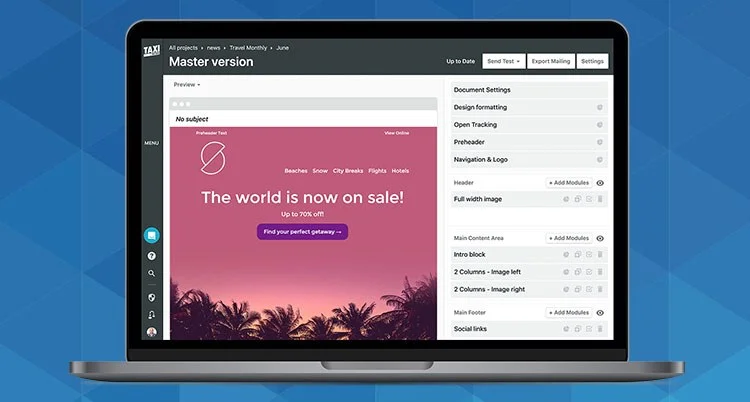
Email Design Systems & Collaboration Platform
Email Design & HTML Template Builder
AI smart inbox and replies
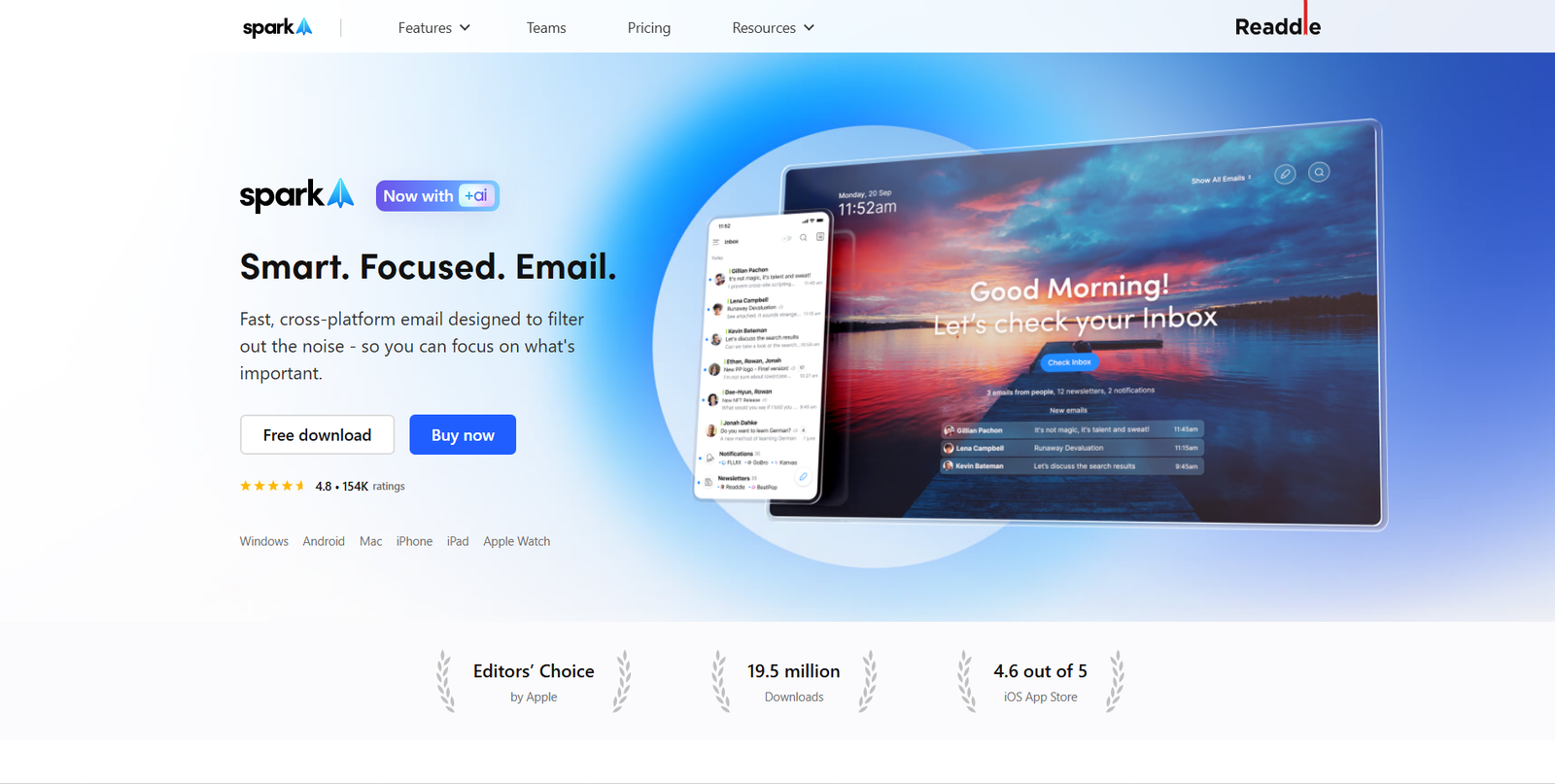
Smart Email Client, Document Attachment & Collaborative Inbox Platform
The AI-Powered Multichannel Outreach & Lead Generation Platform
The Scalable AI Cold Email & Deliverability Infrastructure
AI email summaries and organization
Worth exploring us? Bookmark! so you don't forget the URL.
25+ tools tested for Gmail, Outlook, and cross-client use. Ranked by reply quality, triage accuracy, voice matching, and value versus the time investment required to set up and train each tool.
Frequently Asked Questions
AI-Powered Design Tools for Creative Workflows, Layout & Prototyping
What is the best AI email tool in 2026?
Superhuman leads for professionals who want the most complete AI-first email experience. SaneBox is the best standalone triage and filtering tool. Fyxer AI is the lowest-friction option for professionals who want AI email features without changing their email client. For sales email, Lavender and Instantly.ai are the standard picks.
Can AI write emails that sound like me?
Yes. Tools like Superhuman, Fyxer AI, and Shortwave learn your writing patterns over time — sentence length, vocabulary, greeting and sign-off style — and generate replies that match your voice. The learning curve varies: most tools produce noticeably generic output in the first few days and improve significantly after 1–2 weeks of use and feedback.
How much time can AI email tools save per day?
For professionals with high-volume inboxes, tools like Superhuman and SaneBox typically save 60–90 minutes per day once set up and calibrated. Lower-volume users typically save 20–40 minutes daily. The largest time savings come from triage automation (not reading every email) and reply drafting (not writing from scratch), rather than from any single feature.
New email tools and inbox management guides every Monday.
Get New AI design tools Update in your inbox, every Monday.